Thought I'd post this in case anyone is interested. Having the ability to sit on my sofa, 10" from my music, system while browsing through my music library, playing songs, and adding them to various playlists at will, is unbelievable compared to how I was playing music even five years ago. I've been using this remote control app for about a year, and received probably the 3rd significant update, in that time, the other day. The Foobar2000 Controller app was pretty good when I first got it, but it has gotten a polishing along with many added features over that time. If someone has a PC on a Wi-Fi network playing music with Foobar2000, and has an Android phone, I don't know why they aren't using this.
The app is free, or an add free version for a few dollars is offered. It gives wireless remote control of pretty much every playback, and playlist functions in Foobar2000, along with ability to browse and play, or send to playlist from your storage locations. Installation consists of downloading, and installing a small, free installation file to the PC, and then downloading the app to the smartphone. The connection setup between the two was one button automatic in my case.
Here are some photos of a few of the various screens. BTW- I have no connection to whoever it is that writes this app.
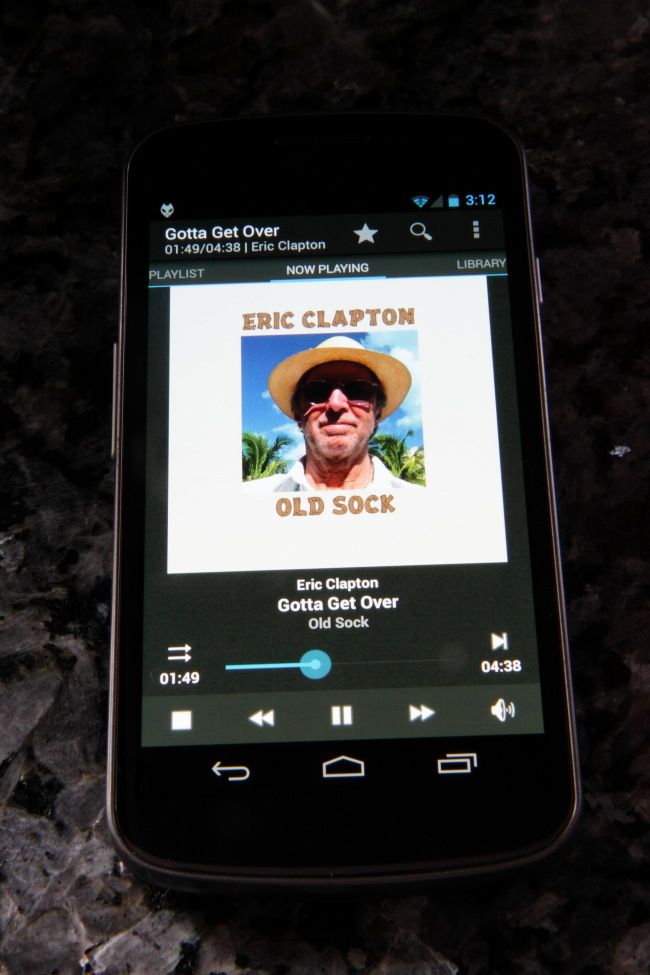
The "Now Playing" screen. Screens are selected from the upper bar now.
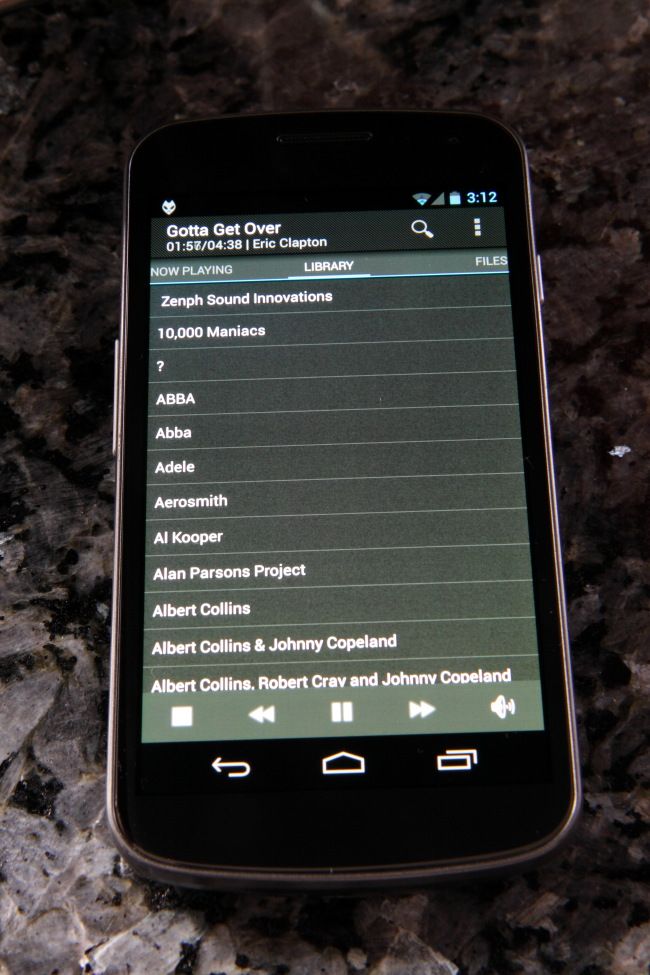
Library screen.
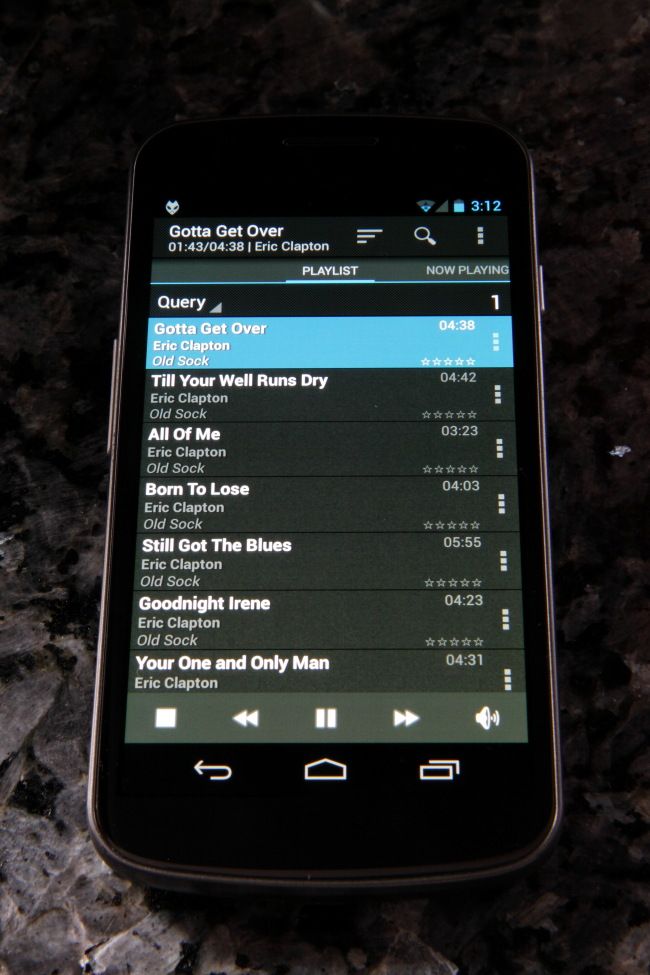
Playlist
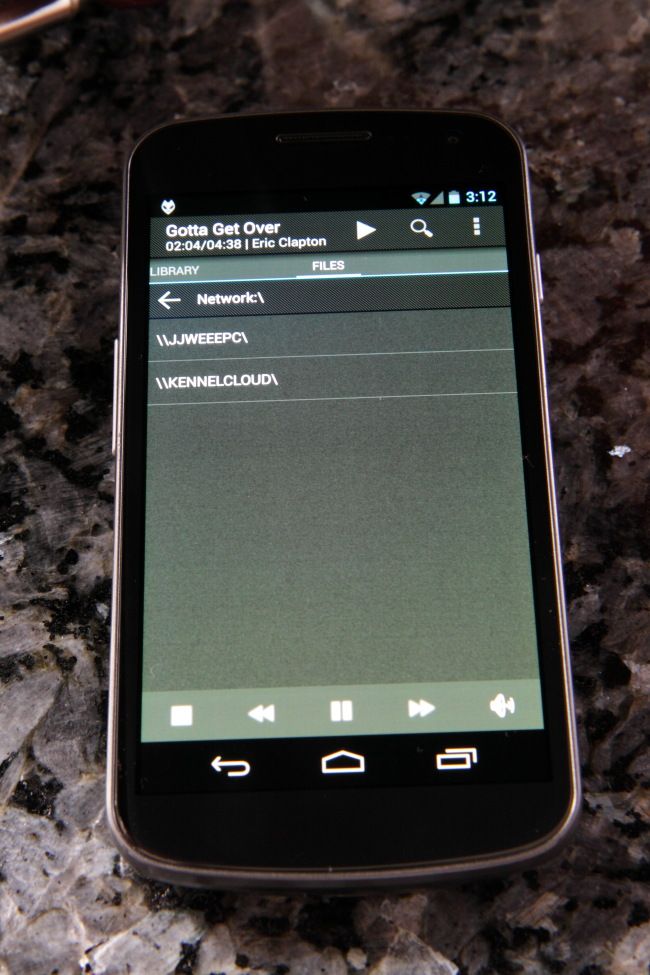
Storage folder browsing
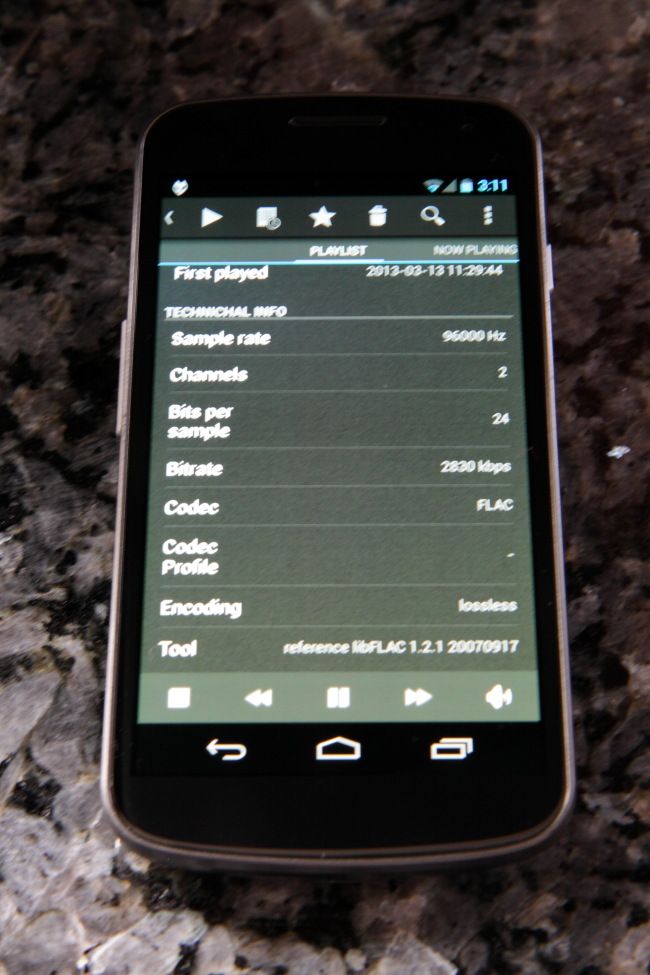
Track info, configurable

Thought I'd post this in case anyone is interested. Having the ability to sit on my sofa, 10" from my music, system while browsing through my music library, playing songs, and adding them to various playlists at will, is unbelievable compared to how I was playing music even five years ago. I've been using this remote control app for about a year, and received probably the 3rd significant update, in that time, the other day. The Foobar2000 Controller app was pretty good when I first got it, but it has gotten a polishing along with many added features over that time. If someone has a PC on a Wi-Fi network playing music with Foobar2000, and has an Android phone, I don't know why they aren't using this.
The app is free, or an add free version for a few dollars is offered. It gives wireless remote control of pretty much every playback, and playlist functions in Foobar2000, along with ability to browse and play, or send to playlist from your storage locations. Installation consists of downloading, and installing a small, free installation file to the PC, and then downloading the app to the smartphone. The connection setup between the two was one button automatic in my case.
Here are some photos of a few of the various screens. BTW- I have no connection to whoever it is that writes this app.
The "Now Playing" screen. Screens are selected from the upper bar now.
Library screen.
Playlist
Storage folder browsing
Track info, configurable